
In today’s fast-moving business environment, your team relies on a growing stack of applications, email, cloud platforms, CRMs, accounting tools, and more. But with every new system comes another login to manage, another password to remember, and another potential point of failure.
For many SMBs, this is a real business risk. According to Verizon’s Data Breach Investigations Report, stolen credentials remain one of the most common ways attackers gain access to systems. Every additional password increases both user friction and exposure to security threats.
Single Sign-On (SSO) offers a smarter, more secure approach. By allowing users to access all their applications with one set of credentials, SSO simplifies the login experience while giving your business greater control over access and security.
In this article, we’ll break down what SSO is, the business challenges it solves, and how it helps SMBs improve productivity, strengthen security, streamline onboarding, support and compliance, along with what it takes to implement it effectively.
What is Single Sign-On (SSO) and how does it work?
Single Sign-On (SSO) is an authentication method that allows users to access multiple applications and systems with one set of login credentials. Instead of juggling multiple usernames and passwords, employees sign in once, and securely access everything they need.
Why it matters for user experience
From a user perspective, SSO removes friction:
- No more password fatigue
- Fewer login interruptions throughout the day
- Reduced risk of forgotten passwords and lockouts
The result is a smoother, faster, and more intuitive experience that helps your team stay focused on their work.
Common business Challenges Single Sign-On (SSO) solves
SSO solves real operational challenges businesses face every day.
-
Managing multiple cloud applications
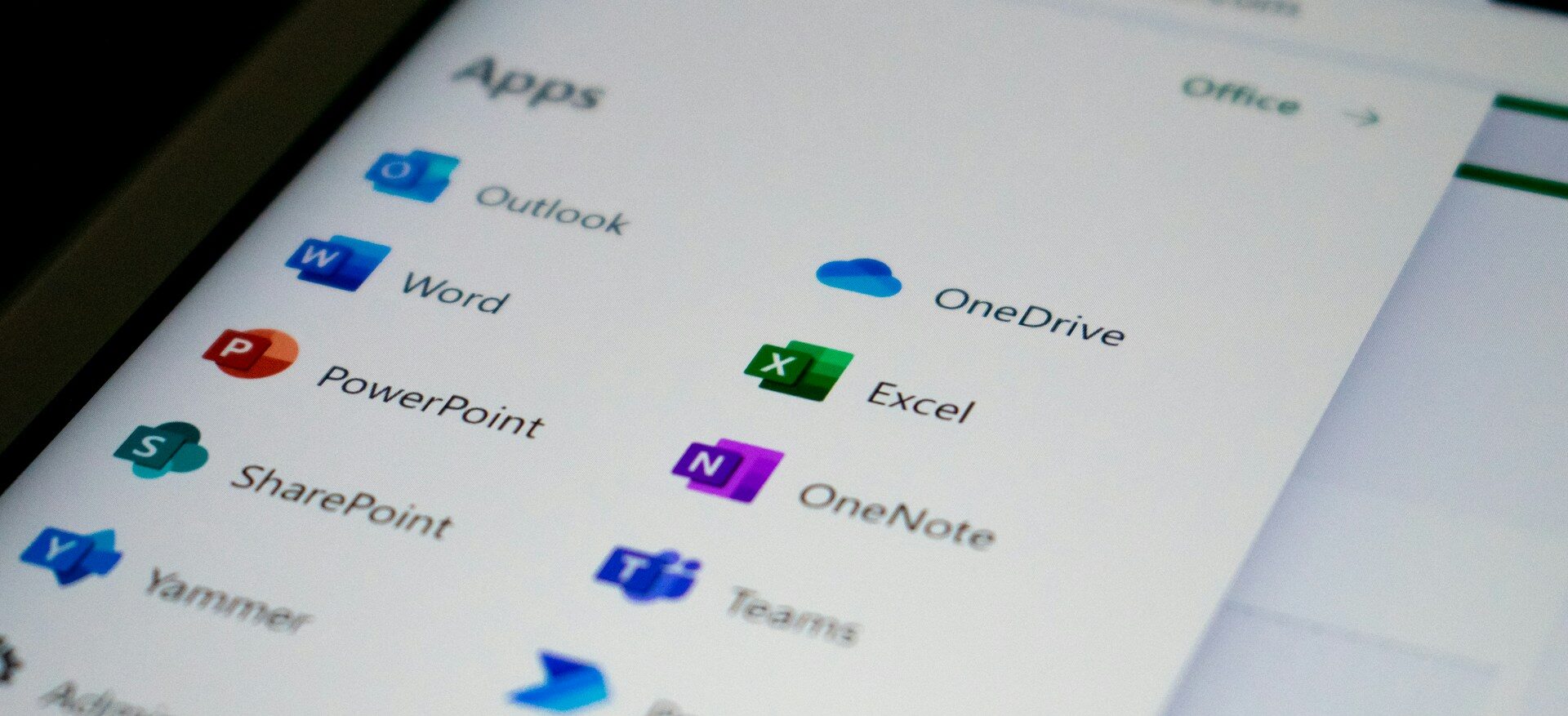
Modern businesses rely on tools like Microsoft 365, Salesforce, QuickBooks, and more. SSO brings them all under one secure access point.
-
Supporting remote and hybrid work
With employees working from anywhere, secure and simple access is critical. SSO ensures users can safely log in from any location without compromising security.
-
Reducing IT support burden
Password reset requests are one of the most common IT tickets. SSO significantly reduces these, freeing up your IT team to focus on higher-value work.
-
Controlling access across systems
SSO integrates with identity management systems, giving businesses better control over who has access to what and when.
Key benefits of Single Sign-On for SMBs
For growing businesses, SSO delivers meaningful, measurable impact across operations, security, and compliance.
Improved productivity
Employees spend less time logging in and troubleshooting access issues, and more time doing their jobs.
Stronger network security
Fewer passwords means fewer opportunities for weak or reused credentials, reducing your overall attack surface. SSO also integrates seamlessly with Multi-Factor Authentication (MFA) and access controls, adding layered protection against unauthorized access.
Streamlined user onboarding and offboarding
New hires get a convenient and secure way to access all the tools they need with a single set of login credentials, on day one. Instead of juggling multiple account setups, SSO centralizes access so users can get started quickly and confidently.
It also reduces the need for help desk questions and password-related support tickets, allowing your team to stay productive while your IT resources stay focused on higher-value work. When someone leaves, access can be removed just as easily, reducing risk and closing security gaps immediately.
Reduced IT costs
A large percentage of IT support requests stem from password recovery, resets, and account lockouts. By minimizing these issues, SSO helps lower support volume, saving time, reducing operational costs, and freeing IT teams to focus on strategic initiatives.
Better compliance and audit readiness
SSO creates a single source of authentication across your environment, making it easier to monitor, audit, and report on user access.
For businesses navigating regulations like HIPAA and GDPR, this centralized visibility is critical. It helps ensure that only authorized users can access sensitive data and that access activity is consistently tracked. SSO can also act as an additional layer of security when paired with MFA, reducing the risk of unauthorized access while supporting stronger compliance posture and audit readiness.
How to implement SSO
Implementing SSO doesn’t have to be complicated, but it does require the right strategy.
-
Assess your current environment
Identify the applications your team uses and how access is currently managed.
-
Choose the right SSO solution
Common platforms include Microsoft Entra ID, Okta, OneLogin etc. The right choice depends on your existing systems and business needs.
-
Integrate your applications
Connect your core business tools to your SSO provider. Most modern applications support SSO through standards like SAML or OAuth.
-
Enable Multi-Factor Authentication (MFA)
SSO works best when paired with MFA, ensuring that even if credentials are compromised, access is still protected.
-
Train your team
A smooth rollout includes clear communication and simple training so employees understand how to use the new system.
- Monitor and optimize
Once implemented, continuously review access policies, user activity, and system performance to ensure everything runs securely and efficiently.
What to consider when implementing SSO
SSO is a powerful tool, but it’s most effective as part of a broader security and IT strategy.
Identity and Access Management (IAM)
SSO is one piece of a larger IAM framework. Combining it with role-based access control (RBAC) ensures users only have access to what they need.
Zero trust security approach
SSO supports a Zero Trust model, where no user or device is automatically trusted, and every access request is verified.
Scalability for growth
As your business grows, your technology should grow with you. SSO makes it easier to add new tools and users without increasing complexity.
Partnering with the right IT team
Successful SSO implementation and management often requires expert guidance, especially when integrating multiple systems.
Conclusion
Single Sign-On is about creating a more secure, efficient, and scalable foundation for your business. When access is easy for the right people and controlled for everyone else, your team can move faster while your risk stays lower.
If you’re not sure where to start, or if your current setup feels overly complex or difficult to manage, you’re not alone. That’s exactly where the right guidance makes a difference. At Atekro, we help businesses design and implement secure, streamlined access solutions that align with how they actually work, today and as they grow.
If you have questions about Single Sign-On or want to explore what it could look like in your environment, reach out to our team. We’re happy to offer a free consultation and help you take the next step with clarity.
FAQs
- What is Single Sign-On (SSO)?
Single Sign-On (SSO) allows users to access multiple applications with one set of login credentials, improving both convenience and security. - Is SSO secure for small businesses?
Yes,when paired with tools like Multi-Factor Authentication (MFA), SSO strengthens security by reducing password risks and centralizing access control. - How does SSO improve productivity?
SSO reduces login friction, password resets, and access issues, allowing employees to spend more time on their work and less time troubleshooting. - Can SSO help with compliance requirements like HIPAA or GDPR?
Yes. SSO provides centralized authentication and access tracking, making it easier tomonitor user activity and support compliance efforts.
About the Author: scott


Commercial Microsoft 365 falls short of CMMC requirements for protecting CUI. Here’s how to tell whether GCC or GCC High is the right fit for your contract.

FCI and CUI carry very different obligations. Which one your company handles decides your CMMC level and how much compliance work you’re signing up for.
A GCC migration means building a new Microsoft 365 environment from scratch and moving your business into it. Here's what the process involves and what tends to catch people off guard.

The Department of War suspended the CMMC third party assessment requirement in July 2026, and self assessment and DFARS obligations remain in force. Here is what changed and what contractors still need to do.

CMMC compliance comes down to five phases that take you from your first gap assessment to a third party audit. A sixth phase of ongoing maintenance keeps you compliant once you get there.

Boeing has been messaging its supply chain about CMMC readiness, on a schedule separate from the government’s. Here’s what that means in practice.

Phishing emails used to give themselves away through bad spelling. AI has closed that gap, so your team needs a better way to tell what is real.

Most compromised business websites were never singled out. An automated tool found an outdated plugin and took it from there. Here's how to tell if your site carries that same risk, and what a fix actually looks like.

A cloud outage does not need a hacker behind it to shut down your business for a few hours. A short continuity plan is what keeps your team working and your customers informed until service returns.

Zero Trust is no longer just for large enterprises. For small businesses, it offers a practical way to limit access, reduce risk, and protect critical data as cloud tools, remote work, and modern threats change how security needs to work.
STAY IN THE LOOP
Subscribe to our free newsletter.