

Commercial Microsoft 365 falls short of CMMC requirements for protecting CUI. Here’s how to tell whether GCC or GCC High is the right fit for your contract.

FCI and CUI carry very different obligations. Which one your company handles decides your CMMC level and how much compliance work you’re signing up for.
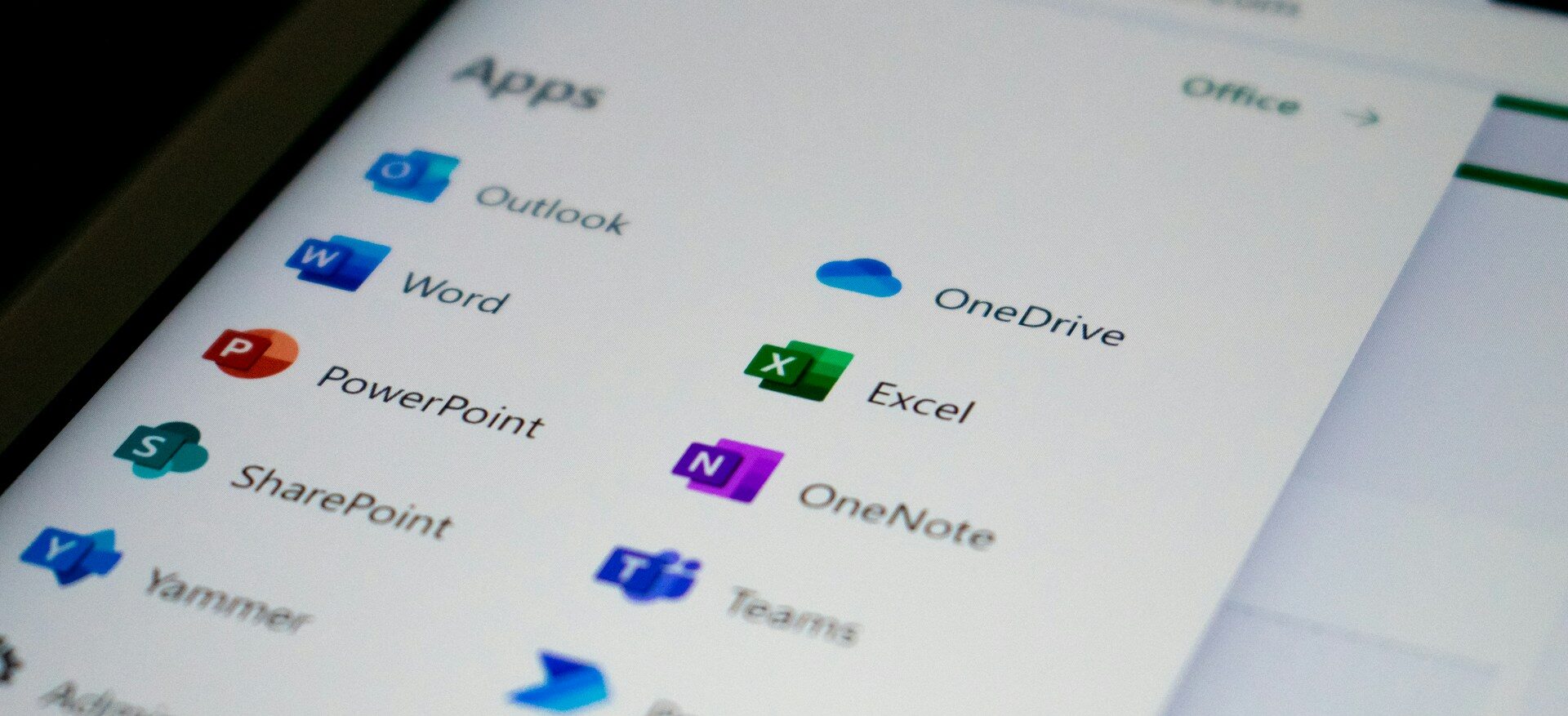
A GCC migration means building a new Microsoft 365 environment from scratch and moving your business into it. Here's what the process involves and what tends to catch people off guard.

The Department of War suspended the CMMC third party assessment requirement in July 2026, and self assessment and DFARS obligations remain in force. Here is what changed and what contractors still need to do.

CMMC compliance comes down to five phases that take you from your first gap assessment to a third party audit. A sixth phase of ongoing maintenance keeps you compliant once you get there.

Boeing has been messaging its supply chain about CMMC readiness, on a schedule separate from the government’s. Here’s what that means in practice.

Phishing emails used to give themselves away through bad spelling. AI has closed that gap, so your team needs a better way to tell what is real.

Most compromised business websites were never singled out. An automated tool found an outdated plugin and took it from there. Here's how to tell if your site carries that same risk, and what a fix actually looks like.

A cloud outage does not need a hacker behind it to shut down your business for a few hours. A short continuity plan is what keeps your team working and your customers informed until service returns.

Zero Trust is no longer just for large enterprises. For small businesses, it offers a practical way to limit access, reduce risk, and protect critical data as cloud tools, remote work, and modern threats change how security needs to work.

Monday – Friday
8:00am – 5:00pm
Saturday – Sunday
Closed
Copyright © 2018 – 2026 • All rights reserved • Northwest Hitech Solutions, LLC dba Atekro