In 2026, small businesses can’t afford unexpected IT downtime, so proactive monitoring is essential. When your internet drops, your point-of-sale stalls, or your email stops sending, the damage shows up fast in missed work and frustrated customers. Most owners do not notice the real cost until they add up lost hours and rushed repair bills.
Proactive IT monitoring means software watches your systems in the background and warns you before something breaks. It tracks things like network health, server status, device performance, and security signals, then sends alerts when it spots risk. That is the opposite of reactive IT, where you wait for a problem, call for help, and hope nothing worse happens.
Here’s the deal, many issues start small and stay invisible until they become expensive. A hard drive can show warning signs, a backup can fail quietly, or a device can fall behind on updates without anyone seeing it. Atekro helps small businesses catch those problems early with monitoring that supports daily operations and reduces surprise outages.
This guide will explain what proactive monitoring looks like, why it matters, and what to expect from a solid setup. You will also learn how monitoring supports security, compliance, and smoother work for your team.
What Is Proactive IT Monitoring?
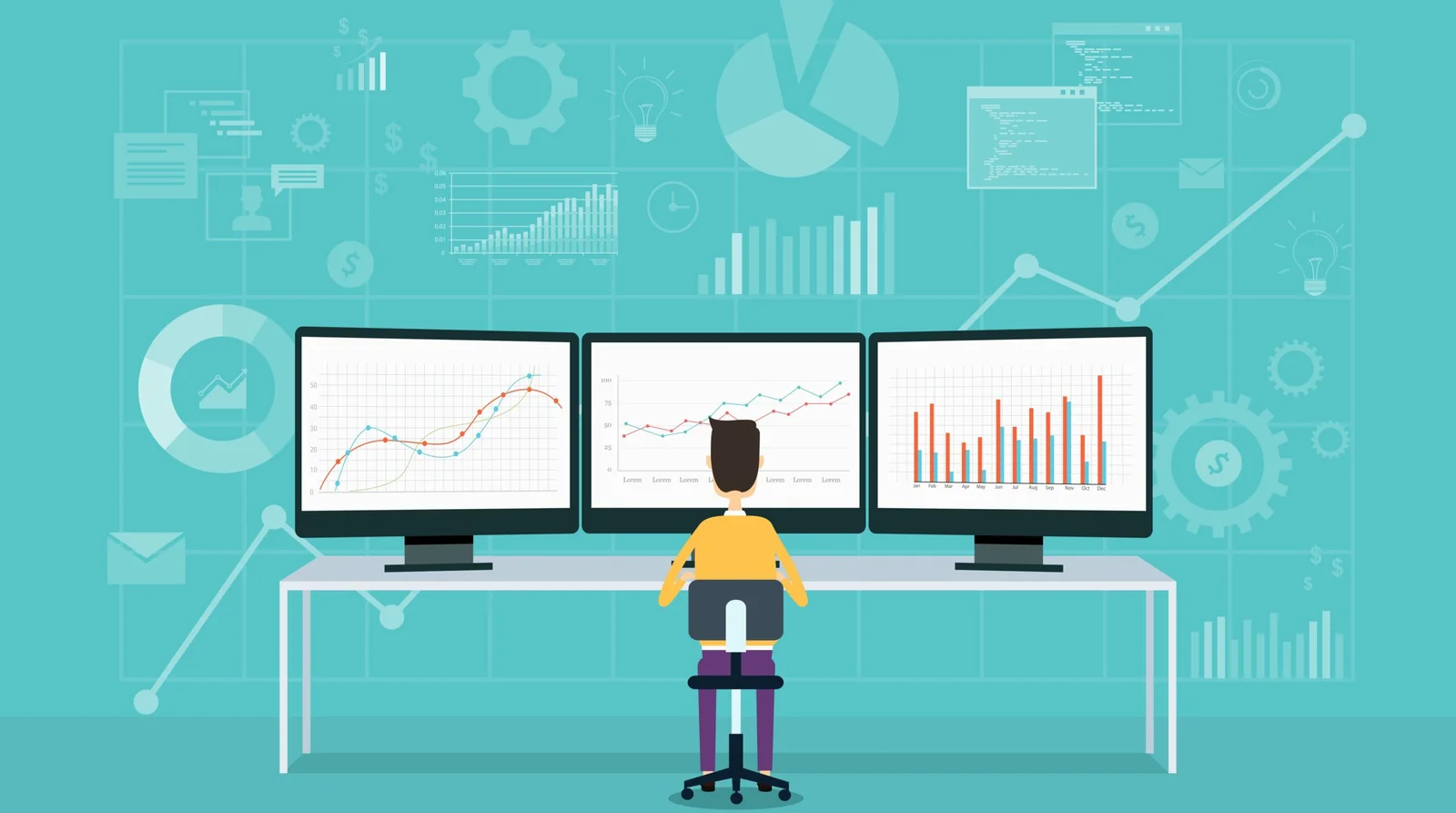
Proactive IT monitoring means your business systems stay under watch all day, not just when someone complains. Software checks your network, servers, and computers for early warning signs like high disk use, failing backups, or unusual login attempts. When something drifts out of a safe range, the system creates an alert so a technician can act before staff feels the problem. That is how you protect uptime without waiting for a crisis.
Reactive IT works the opposite way, and most small businesses have lived it. A printer stops working, email will not send, or the internet slows down, then everyone scrambles and work stalls.
Proactive monitoring looks for patterns that cause those moments, then fixes them while the office still runs normally. Why wait for a shutdown when you can catch the warning lights first?
Most setups combine network monitoring, server monitoring, and endpoint protection. Network tools track outages, latency, and device health so you can spot issues like a failing switch or a misbehaving firewall. Server monitoring watches CPU, memory, storage, backups, and services that keep business apps online, while endpoint protection checks laptops and desktops for patch status, malware risk, and suspicious activity. When these tools work together, you get visibility that leads to action, not just more data
Why Small Businesses Can’t Ignore IT Monitoring
Prevent Costly Downtime
Downtime does not just pause work, it breaks the chain of sales, support, and delivery. When your internet drops or your cloud apps freeze, staff stops, customers wait, and deadlines slip. Even a short outage can cost real money if you run a POS, take calls through VoIP, or rely on shared files to finish jobs.
The bigger hit is trust, because clients remember the moment you could not respond. They also notice when invoices go out late or meetings get rescheduled because systems did not cooperate. Monitoring helps you avoid those moments by catching the early signs, before the outage becomes a business problem.
Detect Issues Before They Escalate
Most IT failures start as small warnings that people ignore because work still “mostly” happens. A drive can show rising error rates, a server can run out of space, or a backup can fail quietly for weeks. When nobody watches those signals, the first clear sign is often a hard stop, and the fix costs more.
Monitoring tools surface problems early, so you can act while the system still runs. That might mean replacing a failing disk, restarting a stuck service, or fixing a software error before it spreads across devices. It also helps spot security red flags like repeated login attempts or strange device behavior before a breach turns into downtime.
Ensure Security and Compliance
Small businesses handle sensitive data more often than they think, from customer records to payment details and employee files. If a device misses updates or a user account gets compromised, attackers can move fast while you stay unaware. Monitoring helps by tracking patch status, endpoint risk, and suspicious activity so you can respond before damage spreads.
Compliance also becomes easier when you can prove you watch systems and address risks. Some industries need safeguards and documentation for standards like HIPAA, and many companies face privacy expectations that line up with GDPR style rules. Monitoring supports that work by creating records, showing trends, and reducing blind spots that lead to incidents.
Improve IT Efficiency
When systems run smoothly, your team automatically spends less time on tech interruptions and more time on customers. Monitoring improves performance by flagging slow devices, overloaded networks, and recurring errors that keep coming back. Instead of assuming and wasting time, you fix what causes the slowdown and track whether the change actually helped.
You also reduce emergency IT calls, because you handle issues during normal hours when the solution is simpler. That means fewer surprise bills and fewer late-night scrambles when something fails at the worst time.
Atekro’s proactive IT monitoring keeps your business running smoothly. Contact us today if you want fewer disruptions and faster fixes.
Key Features of Effective IT Monitoring
Effective monitoring starts with real-time alerts that point to a clear problem, not vague noise. The best alerts tell you what failed, where it happened, and what it affects, so you can fix the right thing first.
24/7 network and server monitoring matters because many issues happen after hours. Backups run overnight, updates install late, and storage can fill up quietly while nobody is watching. When monitoring stays on around the clock, you can address problems before your staff arrives and finds systems down.
Automated reporting and analytics turn day-to-day alerts into a bigger picture you can act on. Reports show trends like recurring outages, slow devices, patch gaps, and backup success rates, which helps you plan upgrades instead of reacting to surprises. Analytics also helps you justify IT spending with facts, because you can tie improvements to fewer incidents and faster recovery.
Remote support and troubleshooting closes the loop, because an alert only helps if someone can respond quickly. With secure remote access, technicians can investigate logs, restart services, apply fixes, and confirm performance without waiting for an on-site visit. That faster response keeps small problems small and protects your team’s time.
Benefits of Proactive IT Monitoring in 2026
Proactive monitoring reduces downtime because it catches small failures while your team still works. A full disk, a failing access point, or an expiring security certificate usually shows warning signs first. Monitoring spots those signals and triggers a fix before the issue turns into a business-wide outage.
It also lowers IT costs by reducing emergency support and repeat visits for the same problem. When you track system health, you replace parts on a planned schedule instead of paying rush rates after a crash. You also avoid hidden costs like staff hours lost to slow devices, failed logins, and workarounds that drag on for weeks.
Business continuity improves when monitoring confirms that backups actually run and stay usable. If a backup fails, a drive drops from a RAID, or a security tool stops reporting, you learn it early instead of learning it during a crisis. That matters in 2026 because threats move fast, and recovery time often depends on what you prepared before the incident.
Remote work and hybrid offices also run smoother when you watch endpoints, VPN connections, and cloud service access from one place. Monitoring helps you support laptops off-site, spot risky behavior, and keep performance steady across different networks. Over time, the data helps you plan upgrades, budget for replacements, and choose tools that match how your business really operates.
How Atekro Helps Small Businesses
Atekro configures monitoring based on how your business actually operates, not generic defaults. We start by mapping the systems your team relies on every day, including internet connections, Wi-Fi networks, servers, cloud applications, and employee devices. From there, we deploy monitoring tools that continuously track system health, performance, and security activity. Alerts are carefully configured to focus on real risks, so your team isn’t overwhelmed with false alarms. When potential issues appear, they can be addressed quickly, often before they impact your business.
Monitoring works best when it connects to support, and that is where managed IT service matters. Atekro responds to alerts, troubleshoots issues remotely, and fixes problems before your team loses time. You also get regular reporting that shows what happened, what got resolved, and what needs attention next.
Security cannot sit on the side, so Atekro builds monitoring with cybersecurity in mind. We watch endpoints for risky behavior, track patch status, and flag suspicious activity that often shows up before a bigger incident. If you want to learn more, review Managed IT Services, explore Cybersecurity Solutions, or use the Contact Page to talk through your setup.
Common Mistakes Small Businesses Make Without IT Monitoring
The first mistake is ignoring small issues because the team can still “get by.” A slow login, a laptop that overheats, or Wi-Fi that drops once a day usually points to a real fault. Without monitoring, those early signals stay invisible until the system fails during a busy hour.
Another common mistake is relying on reactive IT support as the only plan. You call for help after email stops, files disappear, or the server will not restart, and everyone waits while the fix happens. That approach costs more because the problem is larger, and your staff loses productive time while they sit idle.
Many businesses also fail to track performance metrics, so they cannot see patterns that predict outages. If you do not track disk space, backup results, patch status, and device health, you end up guessing what caused the slowdown. Guessing leads to repeat problems because you fix symptoms instead of the root cause.
The last mistake is treating cybersecurity as a separate project instead of a daily part of operations. Unpatched devices, weak passwords, and unusual login attempts often show up before a major incident. Monitoring helps you connect performance and security, so you catch risk early and protect the systems your business depends on.
Frequently Asked Questions
What is proactive IT monitoring?
Proactive IT monitoring uses tools and processes to watch systems before users notice issues. It tracks network health, servers, backups, storage, and endpoints, then alerts you when something drifts into a risky range.
How can it save my small business money?
It prevents outages that stop sales and drain staff time. Fixing small issues early costs less than emergency repairs during business hours. Monitoring also reveals patterns, which helps you plan upgrades instead of paying for repeat problems.
Can Atekro monitor my systems remotely?
Yes, Atekro provides remote monitoring for small businesses. Tools report health data and security alerts without constant on-site visits, which speeds response times. Remote access also allows quick fixes before scheduling in-person work if needed.
Is proactive monitoring necessary for businesses under 50 employees?
Often yes, because smaller teams feel outages more sharply. Even a small office relies on email, internet, cloud apps, and file access, and one failure can stall most of the staff. Monitoring fills the gap when there is no full internal IT department.
How quickly can issues be detected and resolved?
Detection can happen within minutes as systems are checked continuously. Many software issues can be resolved quickly through remote troubleshooting, while hardware fixes may take longer. Early alerts still reduce downtime by allowing planned repairs.
Does proactive monitoring include cybersecurity protection?
Monitoring supports cybersecurity by tracking patch status, antivirus health, and suspicious activity. It works best alongside layered protections like strong authentication, email security, backups, and user training. Together, they reduce blind spots that attackers exploit.
Conclusion
Proactive IT monitoring keeps small business tech from turning into a weekly emergency. It reduces downtime by catching warning signs early, and it protects data by flagging risky behavior before it spreads. The thing is, you do not need more tools, instead you need fewer surprises and faster fixes.
That’s where Atekro really makes a difference. With 24/7 monitoring, real-time alerts, and a team that knows how to respond quickly, problems get handled before they slow everyone down. Instead of sitting around waiting for systems to come back online, your staff can stay focused on their actual work.
You also get straightforward reporting, consistent maintenance, and a clear view of what’s happening across your network, so nothing catches you off guard.
Don’t wait for IT problems to disrupt your business. Contact Atekro today to implement proactive IT monitoring and future-proof your operations in 2026.
About the Author: scott


Commercial Microsoft 365 falls short of CMMC requirements for protecting CUI. Here’s how to tell whether GCC or GCC High is the right fit for your contract.

FCI and CUI carry very different obligations. Which one your company handles decides your CMMC level and how much compliance work you’re signing up for.
A GCC migration means building a new Microsoft 365 environment from scratch and moving your business into it. Here's what the process involves and what tends to catch people off guard.

The Department of War suspended the CMMC third party assessment requirement in July 2026, and self assessment and DFARS obligations remain in force. Here is what changed and what contractors still need to do.

CMMC compliance comes down to five phases that take you from your first gap assessment to a third party audit. A sixth phase of ongoing maintenance keeps you compliant once you get there.

Boeing has been messaging its supply chain about CMMC readiness, on a schedule separate from the government’s. Here’s what that means in practice.

Phishing emails used to give themselves away through bad spelling. AI has closed that gap, so your team needs a better way to tell what is real.

Most compromised business websites were never singled out. An automated tool found an outdated plugin and took it from there. Here's how to tell if your site carries that same risk, and what a fix actually looks like.
A cloud outage does not need a hacker behind it to shut down your business for a few hours. A short continuity plan is what keeps your team working and your customers informed until service returns.

Zero Trust is no longer just for large enterprises. For small businesses, it offers a practical way to limit access, reduce risk, and protect critical data as cloud tools, remote work, and modern threats change how security needs to work.
STAY IN THE LOOP
Subscribe to our free newsletter.