

If you’re looking to give your accounting firm an immediate boost, you’ve come to the right place! Technology is a game-changer in the field of accounting, and we’ve got six actionable tips to help you get started:
- Embrace the cloud! Cloud-based accounting platforms like QuickBooks Online and Xero make collaborating with clients a breeze! You can access your clients’ financial data from anywhere, at any time, and the cloud also offers enhanced security and reliable data backup.
- Automate those repetitive tasks! Nobody likes to spend hours doing mundane tasks like data entry, invoice processing or bank reconciliation, but automation tools like Hubdoc and Dext can help you save time and reduce errors.
- Keep the communication seamless! Communication is key, and client portals are an excellent way to make sure you stay on top of everything. These secure platforms allow you and your clients to share documents, send messages, and even collaborate in real-time.
- Keep learning! Technology is constantly evolving, and the best way to stay ahead of the game is by investing in continuous learning. Attend training sessions and workshops to keep up with the latest tools and technologies.
- Stay safe! Cybersecurity is critical, and you need to make sure you invest in strong firewalls, anti-malware tools, secure encryption methods, and vulnerability patching. Don’t forget to train your staff on the importance of following best practices to maintain data integrity.
- Stay in Compliance! Cyber security is no longer an option, it’s a requirement. The FTC and the IRS have published requirements requiring all CPA and bookkeeping firms to protect client’s data. Understanding and implementing this protection can be complicated. Hiring a qualified firm is key.
By following these tips, you’ll be able to improve your firm’s operations, reputation and stay ahead of the competition.
If you have any questions or need help, feel free to reach out to our expert team. We’re always here to help!
About the Author: scott


Commercial Microsoft 365 falls short of CMMC requirements for protecting CUI. Here’s how to tell whether GCC or GCC High is the right fit for your contract.

FCI and CUI carry very different obligations. Which one your company handles decides your CMMC level and how much compliance work you’re signing up for.
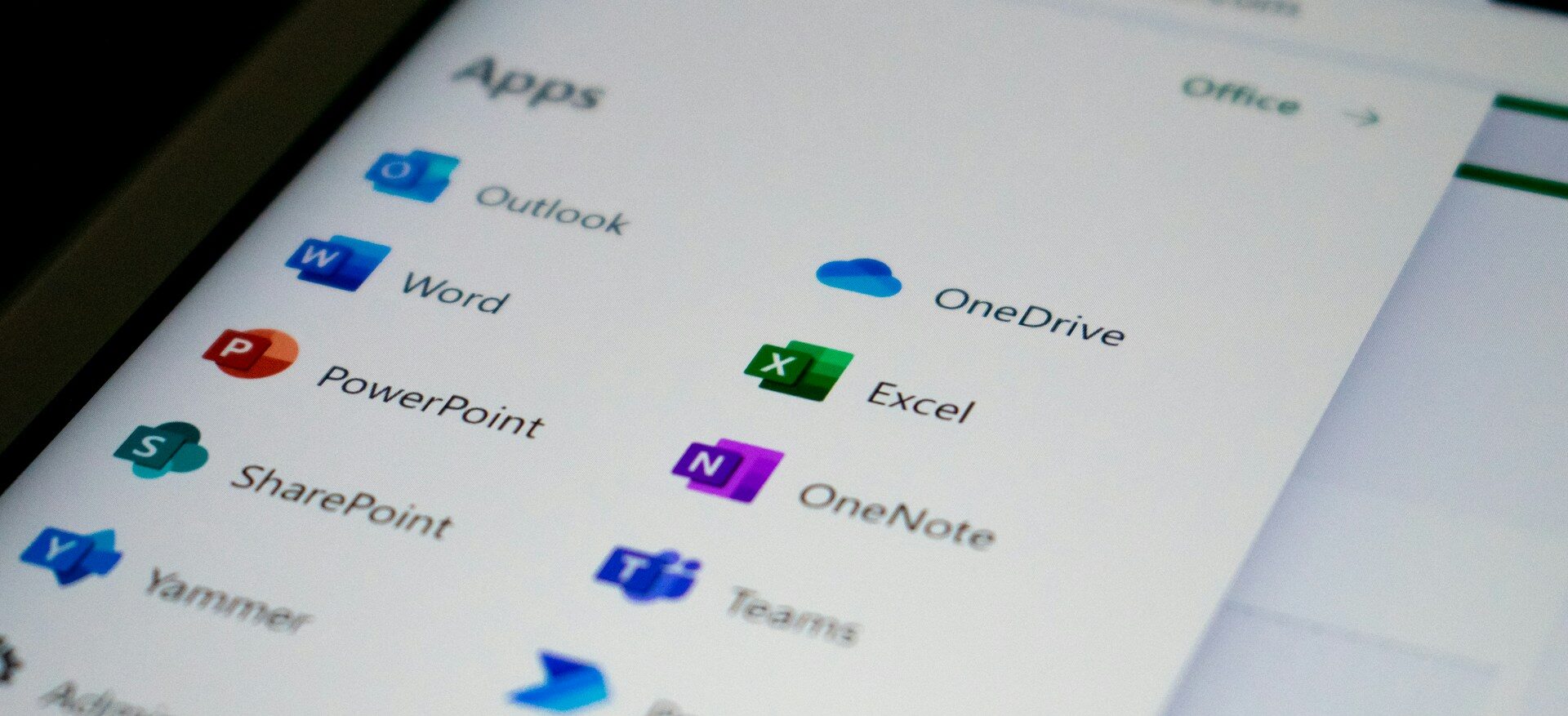
A GCC migration means building a new Microsoft 365 environment from scratch and moving your business into it. Here's what the process involves and what tends to catch people off guard.

The Department of War suspended the CMMC third party assessment requirement in July 2026, and self assessment and DFARS obligations remain in force. Here is what changed and what contractors still need to do.

CMMC compliance comes down to five phases that take you from your first gap assessment to a third party audit. A sixth phase of ongoing maintenance keeps you compliant once you get there.

Boeing has been messaging its supply chain about CMMC readiness, on a schedule separate from the government’s. Here’s what that means in practice.

Phishing emails used to give themselves away through bad spelling. AI has closed that gap, so your team needs a better way to tell what is real.
Most compromised business websites were never singled out. An automated tool found an outdated plugin and took it from there. Here's how to tell if your site carries that same risk, and what a fix actually looks like.

A cloud outage does not need a hacker behind it to shut down your business for a few hours. A short continuity plan is what keeps your team working and your customers informed until service returns.

Zero Trust is no longer just for large enterprises. For small businesses, it offers a practical way to limit access, reduce risk, and protect critical data as cloud tools, remote work, and modern threats change how security needs to work.
STAY IN THE LOOP
Subscribe to our free newsletter.
